









On a Phone
Draw with a finger right on the screen
The canvas keeps the page from scrolling while the child draws, so it is easier to follow the picture.
Interactive Corner
Choose a page, tap a color, and draw with a finger on a phone or a mouse on a computer. The coloring lines stay on top, so little hands can follow the picture more easily.
Coloring Studio
Pages switch without reloading. Each page keeps its own drawing, so you can color, erase, clear, and download your picture.
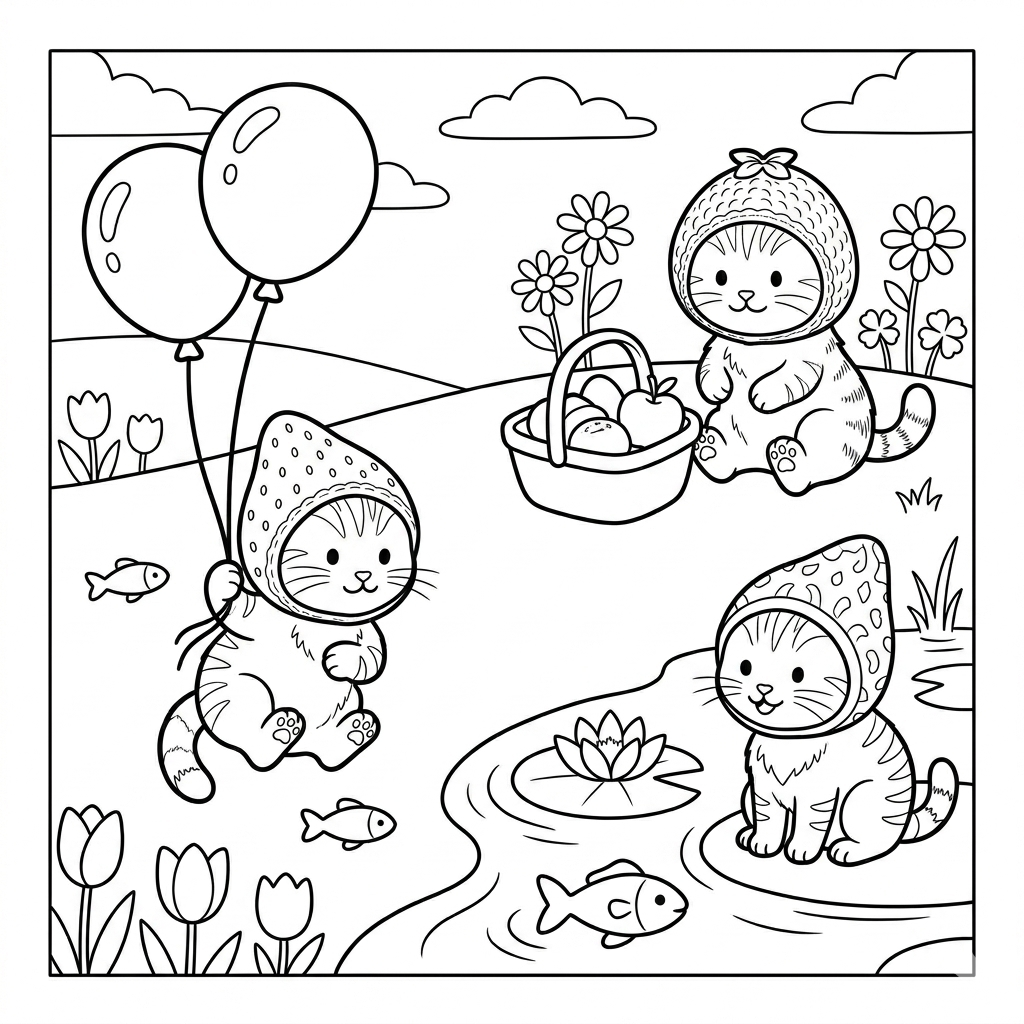
The "Berry" page is open. You can draw with your finger on a phone or a mouse on a computer.
On a Phone
The canvas keeps the page from scrolling while the child draws, so it is easier to follow the picture.
Simple
Pick a color, change the brush size if you want, and start coloring.
Save
One click combines the drawing and the outline into a PNG that can be saved or sent to family.